WEDO for One-on-Ones
Make it easier for managers and their direct reports to collaborate on talking points, exchange feedback, and have engaging conversations.

Trusted by








Task Management
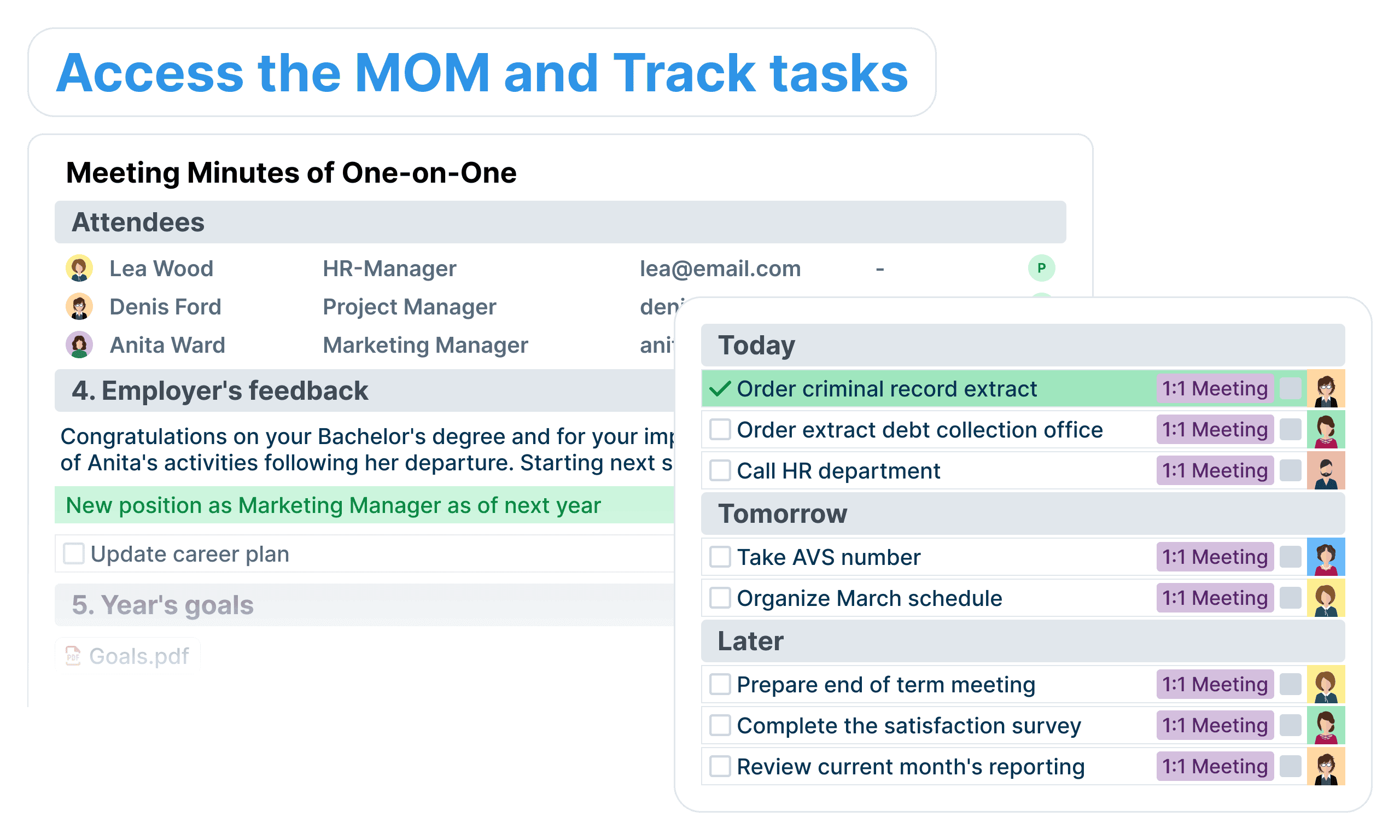
Create collaborative workspaces to share tasks with your teammates and view all your tasks in one place.
Show Up Prepared
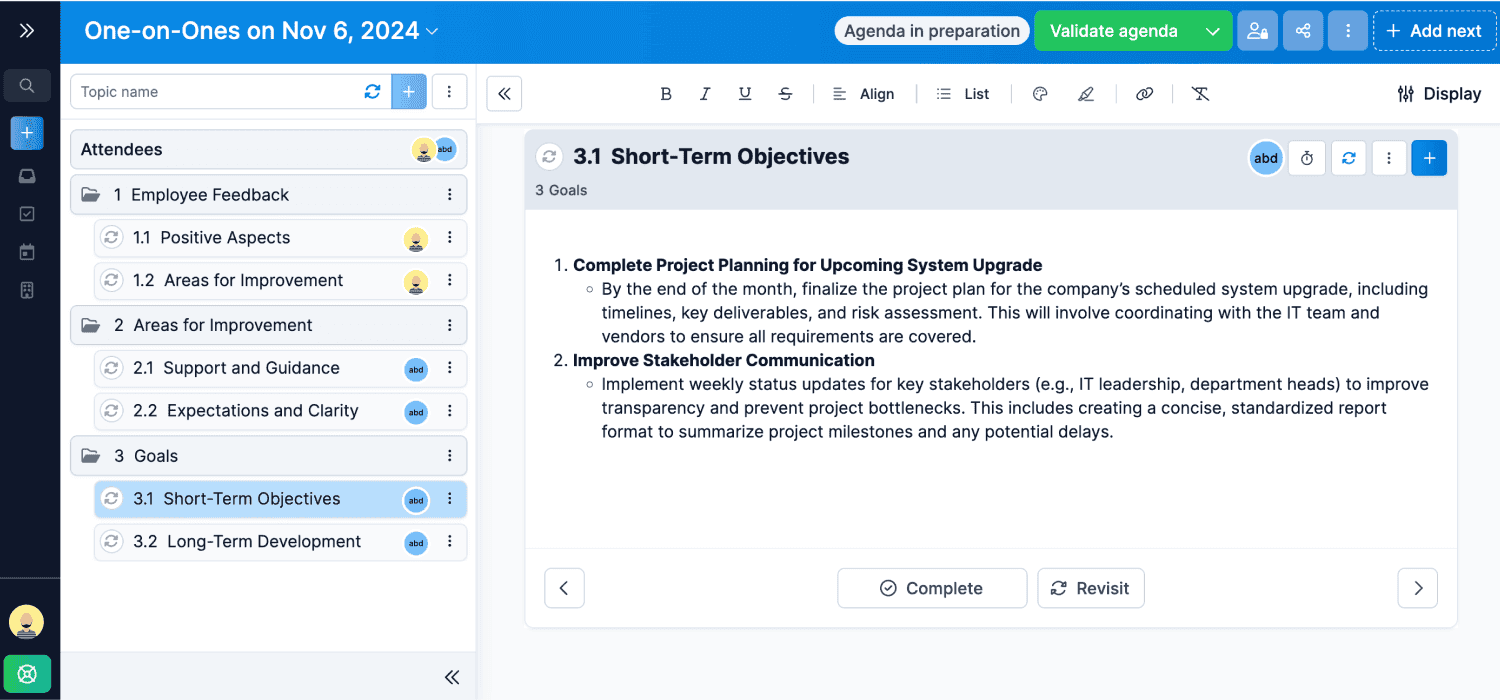
Collaborate on a meeting agenda that inspires a thoughtful two-sided conversation.
Stay Organized
Keep conversations with your direct reports in one place, look back on past notes, and never forget what was said.
Save Time
Carry over incomplete talking points and action items from previous one-on-one meetings.
Power your 1:1's with WEDO
Have engaging 1-on-1s, never forget what was discussed, and build better relationships with your direct reports.
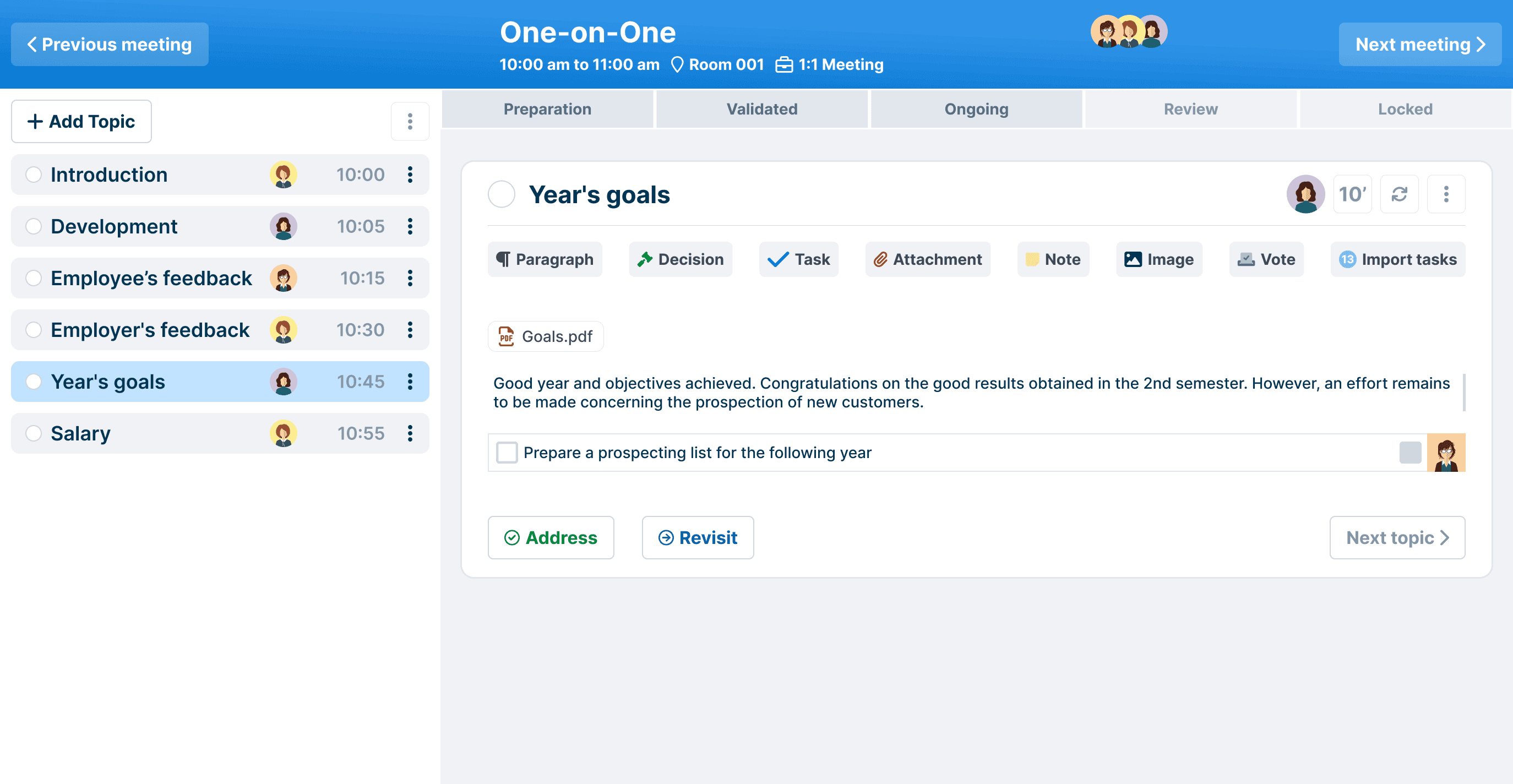
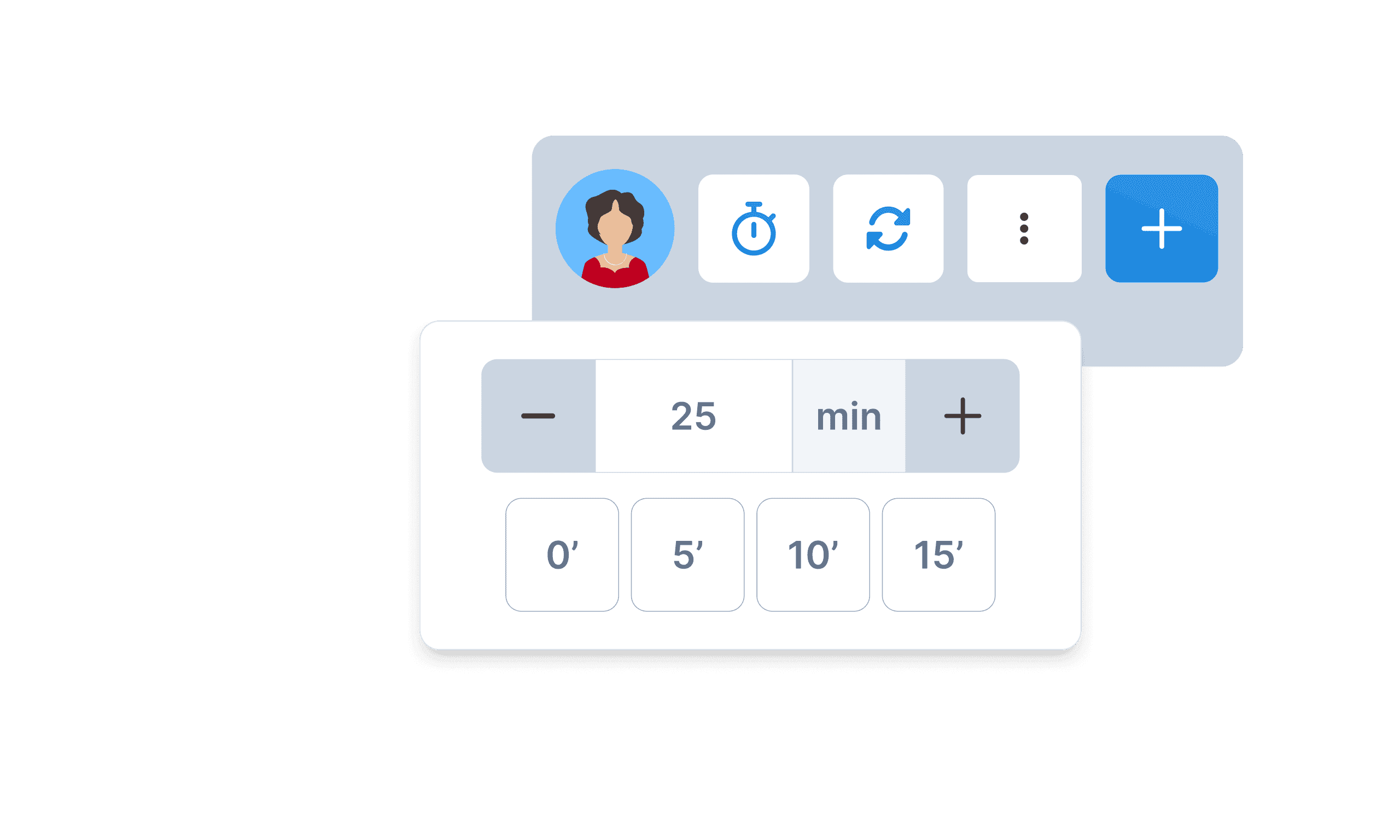
Meeting time management
Keep control over the duration of your meetings by setting the time allocated to each topic on your agenda.
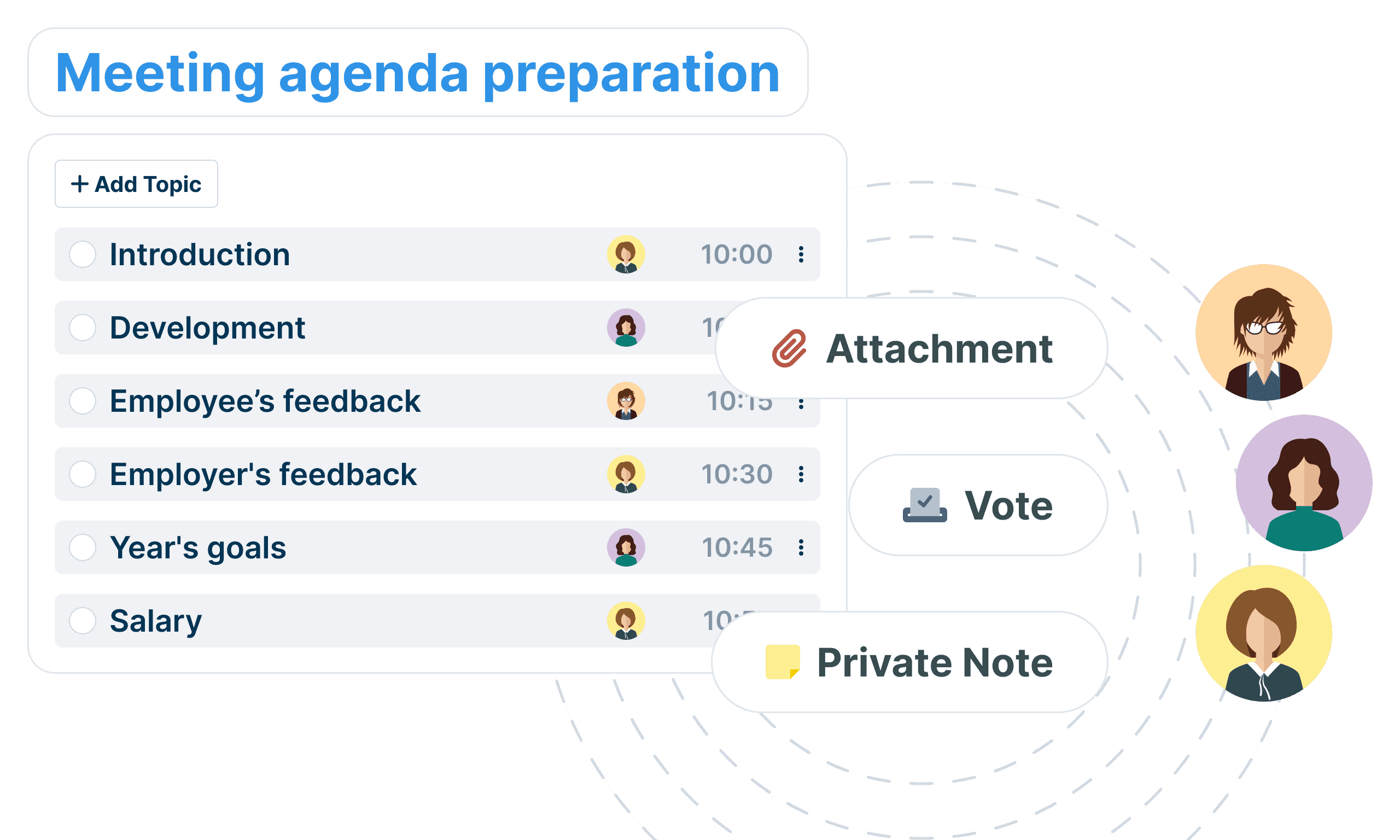
Before the meeting
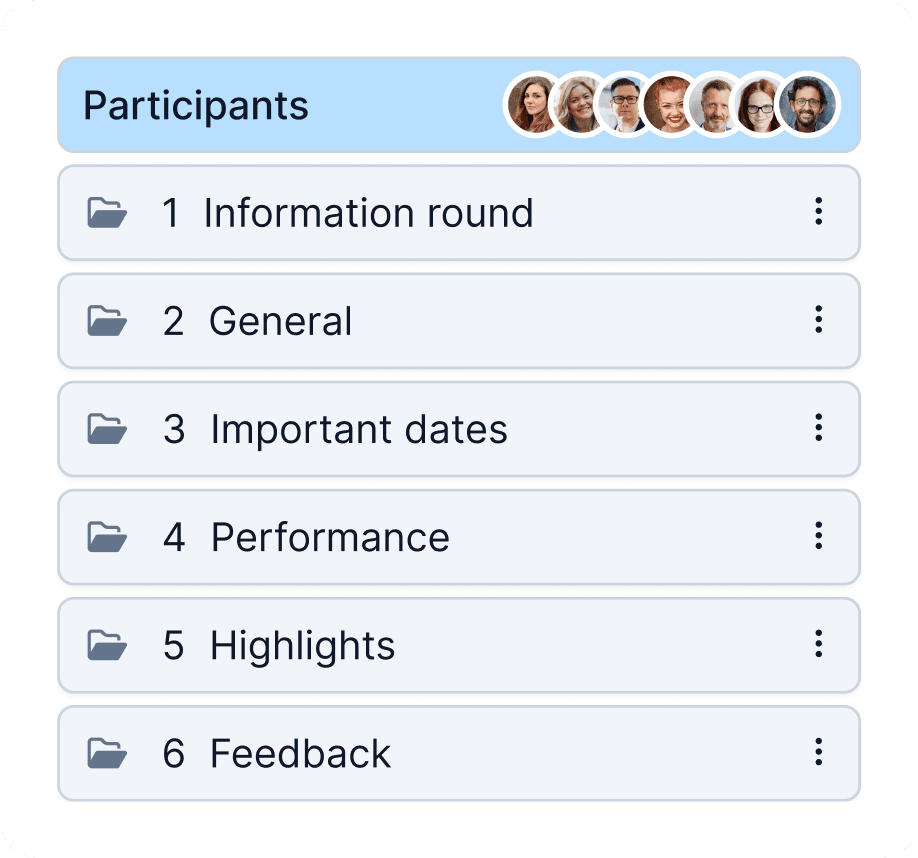
Show your direct reports that you care by remembering what they said during past meetings. With WEDO, you can see a history of every 1-on-1 conversation you’ve had and ensure that you’re well prepared for the next meeting.
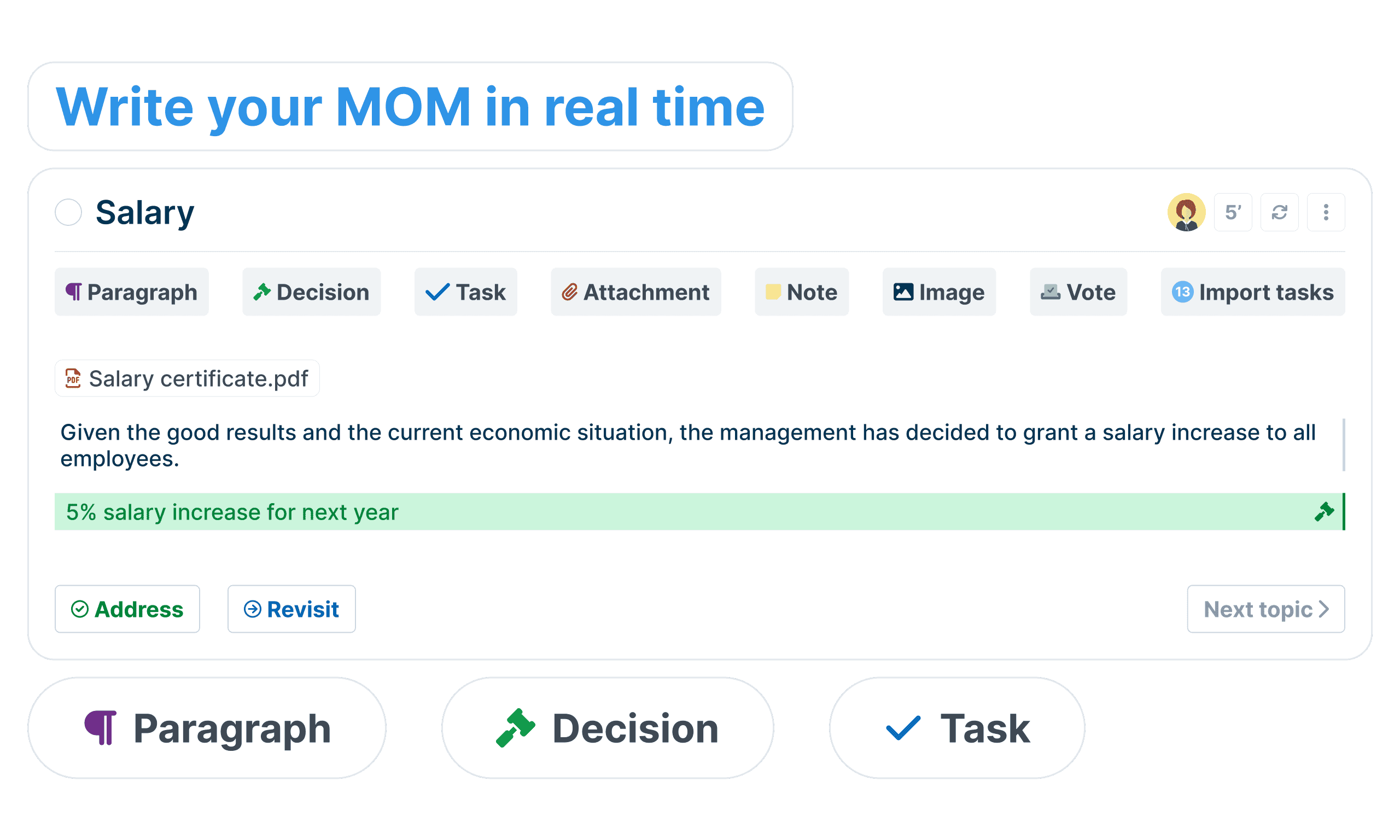
During the meeting
Great managers encourage ongoing learning, professional development, and real-time feedback. During your meeting, both you and your report can add items to the agenda, discuss them using comments, takes notes and summarize critical decisions and tasks.
After the meeting
Once you’ve addressed and summarized all your meeting topics, send your meeting notes to all attendees. All your past meetings are a tab away, so you can easily refer to them later on. Tasks are assigned and clearly trackable.
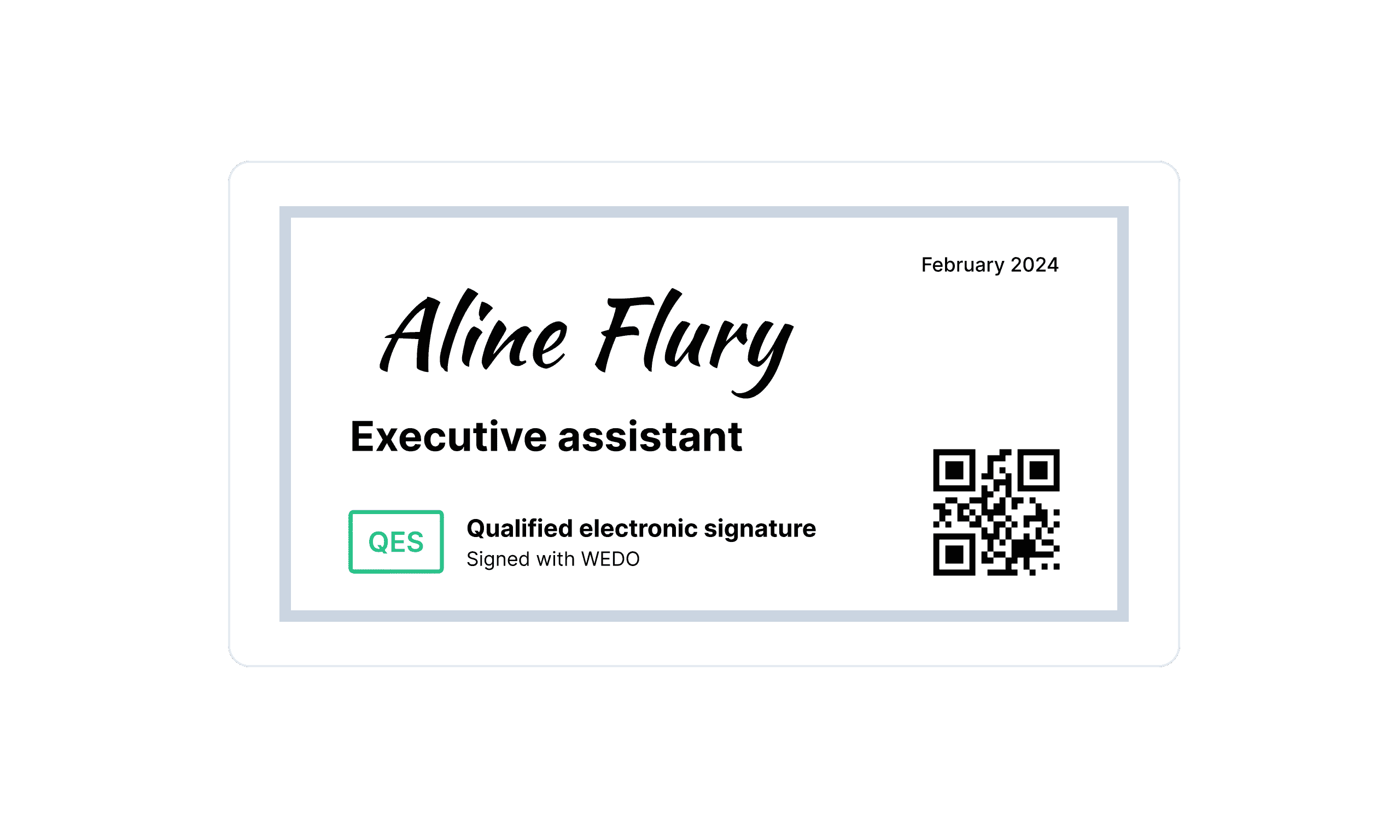
Qualified electronic signatures
WEDO allows you to digitally sign all your reports with legal validity - SES, AES and QES
Discover all WEDO features
All features & roadmapYour data security is our top priority
You can rest easy knowing that we employ many security technologies and industry best practices to ensure that our product and systems stay secure.
 SOC2 Type II
 ISO27001
 GDPR
GDPR nFADP
nFADP Health Data Hosting
 FINMA
FINMAThey run their one-to-one meetings with WEDO
“With WEDO, the management of bilateral meetings and conferences is significantly simplified. Agendas and minutes are centralized, ensuring effective follow-up and optimal traceability.”

Nathalie Theillard
Director, EMS la Venoge Foundation
“WEDO is used by all members of the unit for organizing meetings, bilateral sessions, and task follow-up. We particularly appreciate the ability to prepare meetings as a team, share agendas, and quickly draft minutes.”

Yves Streuli
Head of Infrastructure Unit, University of Applied Sciences of Pedagogy of Vaud, HEP
Featured Articles


Struggling to Stay Organized?
WEDO is here to help. Start your free trial now and simplify your work processes! You'll get full access to all features and add-ons for 14 days – invite your team to test it with you!

- No credit card required
- No commitment
- Full access to all features
- Support chat access
- Free live demo