WEDO for Team Meetings
Collaborate on meeting agendas, take notes in real-time, and finish every team meeting with an action plan.














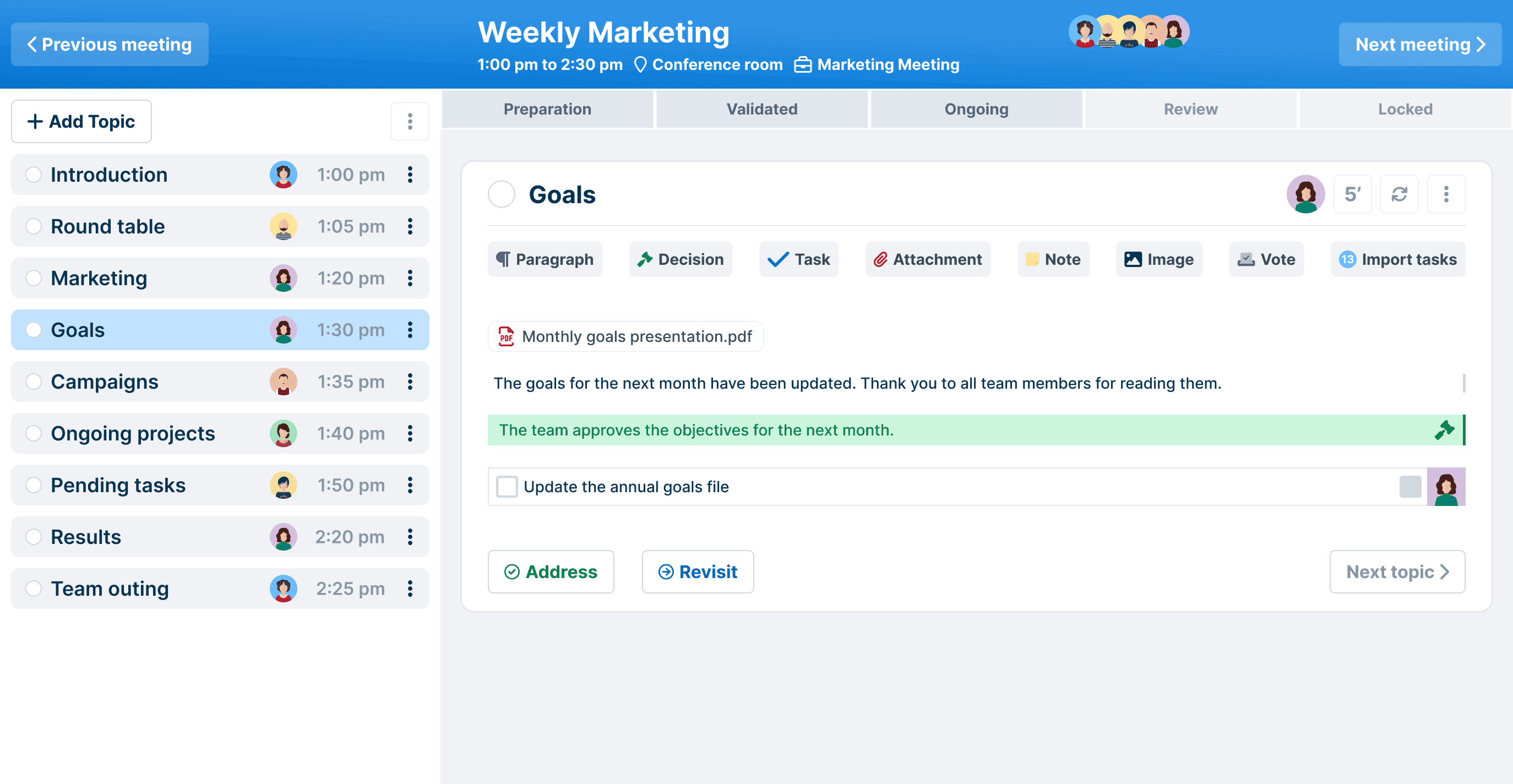
Shared Agenda
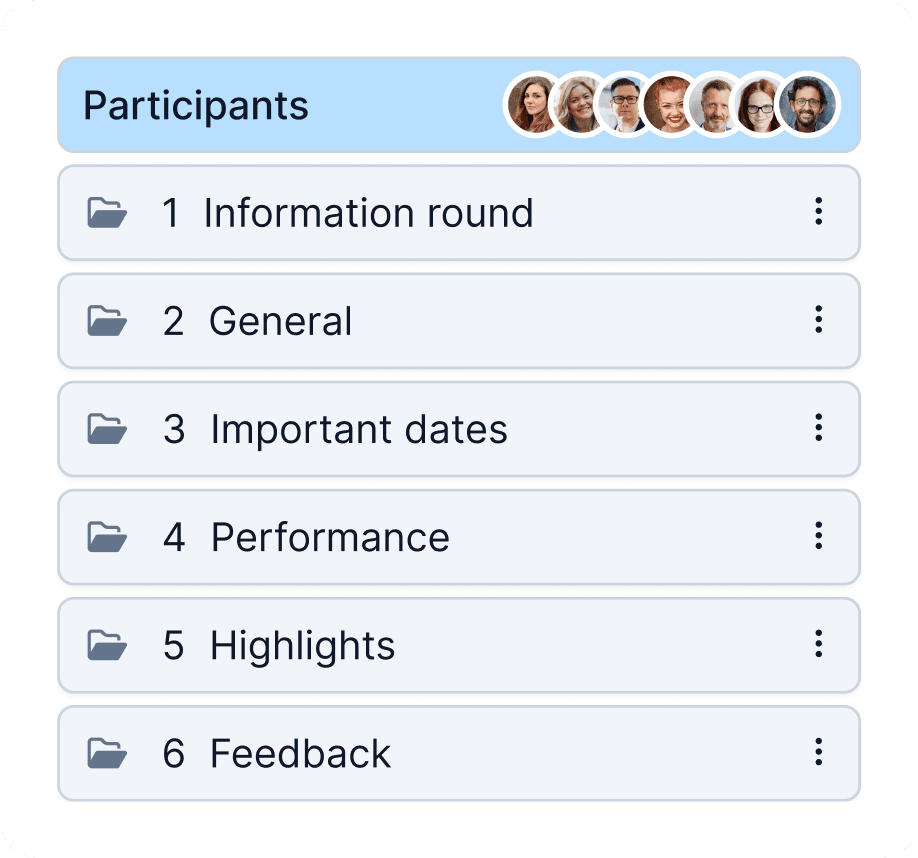
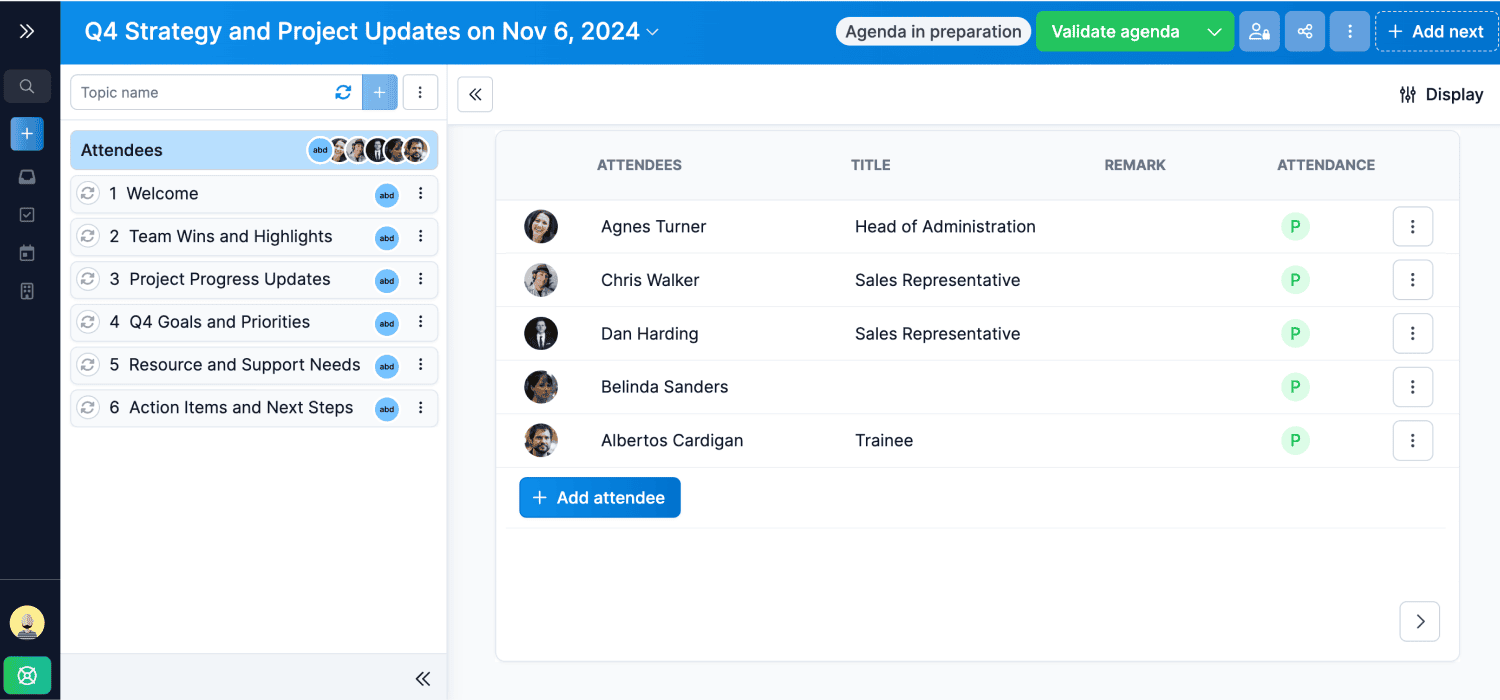
Prepare your meeting agenda collaboratively to ensure everyone is well prepared.
Realtime Note Taking
Take your minutes during the meeting and allow everyone to be up to date directly at the session's end.
Meetings Follow-up
Make post-meeting follow-up easy by giving instant access to the meeting minutes with integrated task progress.
Task Management
Create collaborative workspaces to share tasks with your teammates and view all your tasks in one place.
Power your Team Meetings with WEDO
Prepare your meetings in teams, write the minutes in real time and follow the tasks assigned to your colleagues.
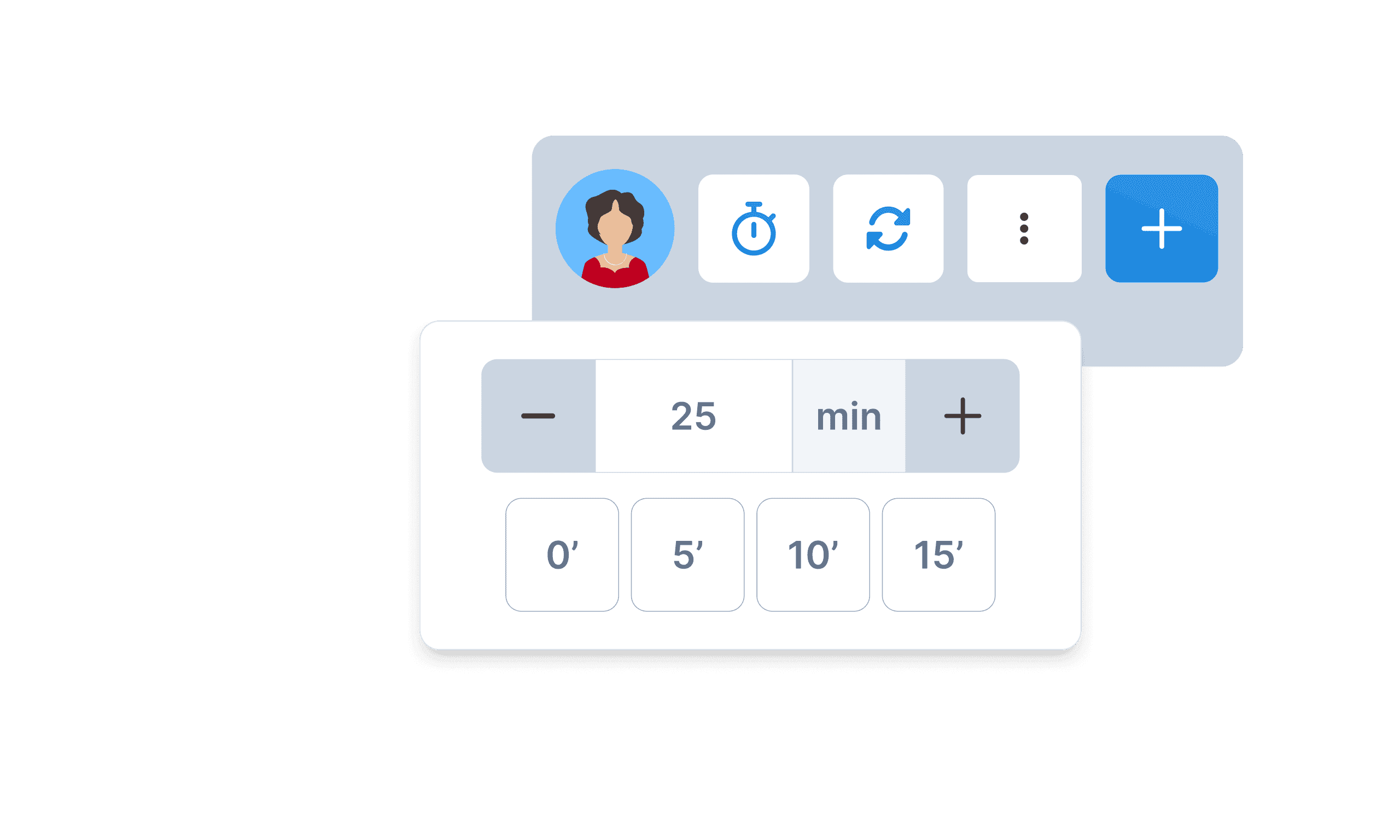
Meeting time management
Keep control over the duration of your meetings by setting the time allocated to each topic on your agenda.
Before the meeting
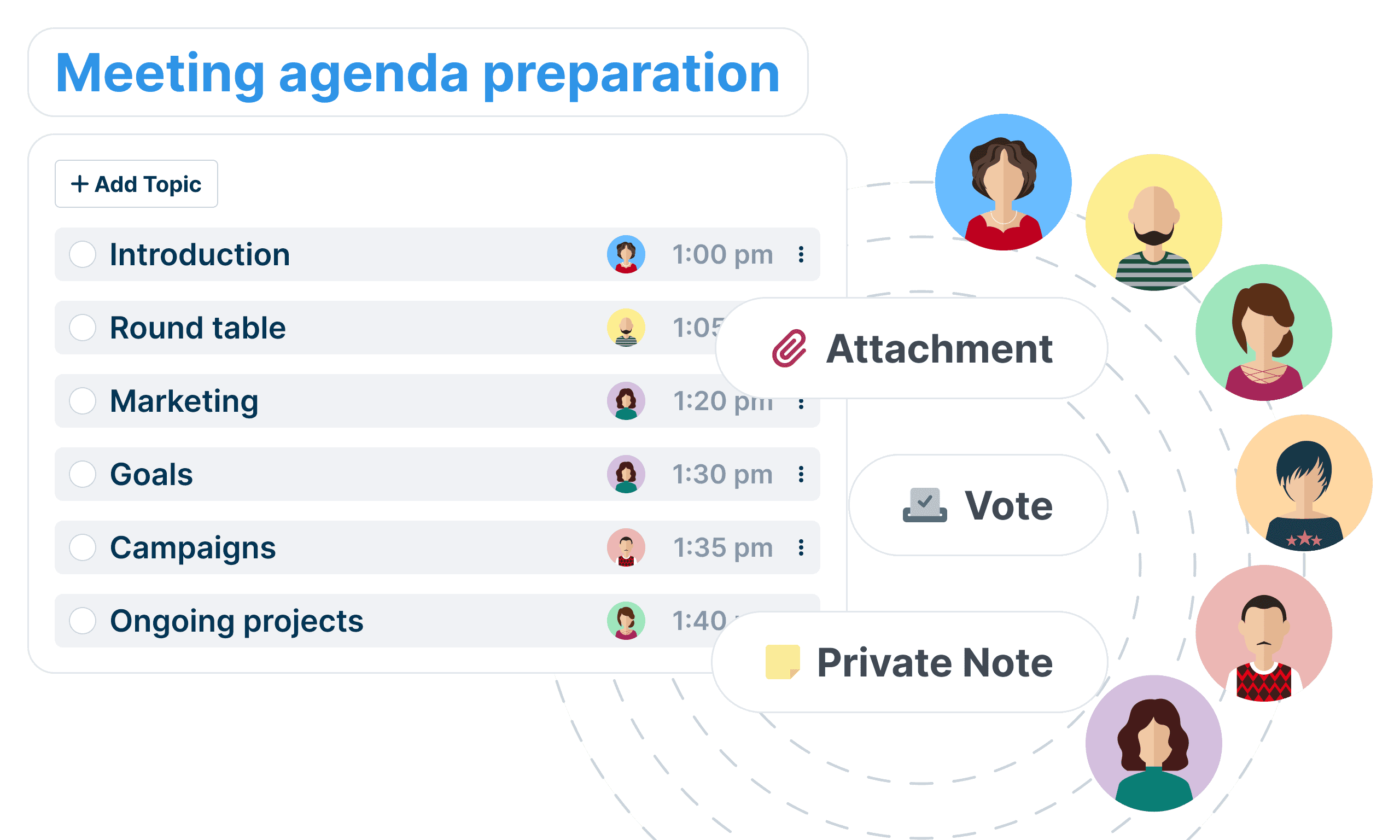
Having a productive conversation is rare when nobody has a plan for what to talk about. With WEDO, your team can collaborate on an agenda, prepare materials in advance, and write questions to ask during the meeting.
During the meeting
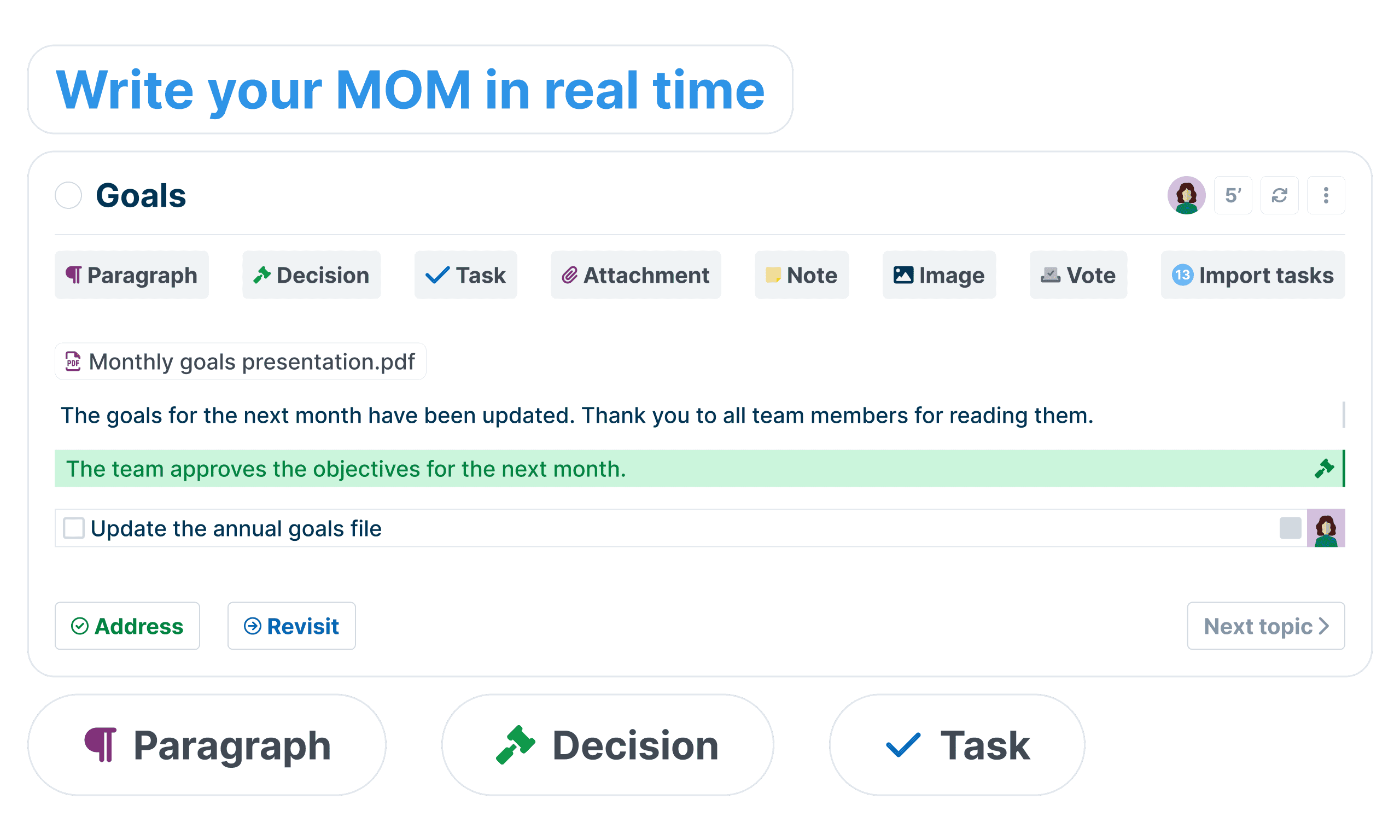
If you’re brainstorming ideas and making decisions, you’ll get better results when your whole team contributes. WEDO’s real-time note-taking tool promotes collaboration and encourages everyone to participate actively in the conversation.
After the meeting
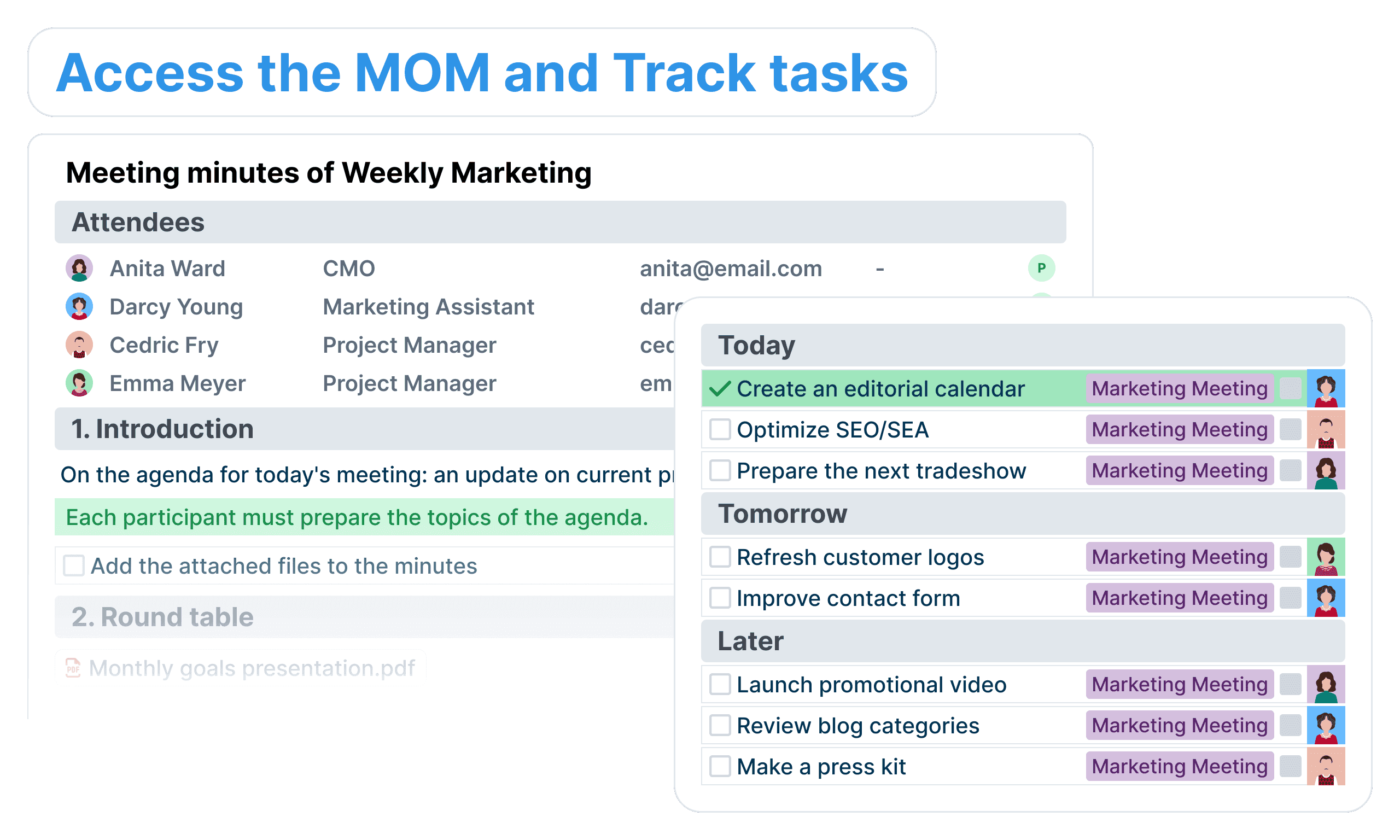
A team meeting without action items is just a status update. Make your meetings more productive by tracking critical decisions and next steps. With WEDO, your team can create action items, track and prioritize tasks in-between meetings, and automatically carry-forward incomplete tasks and topics to the next meeting.
Qualified electronic signatures
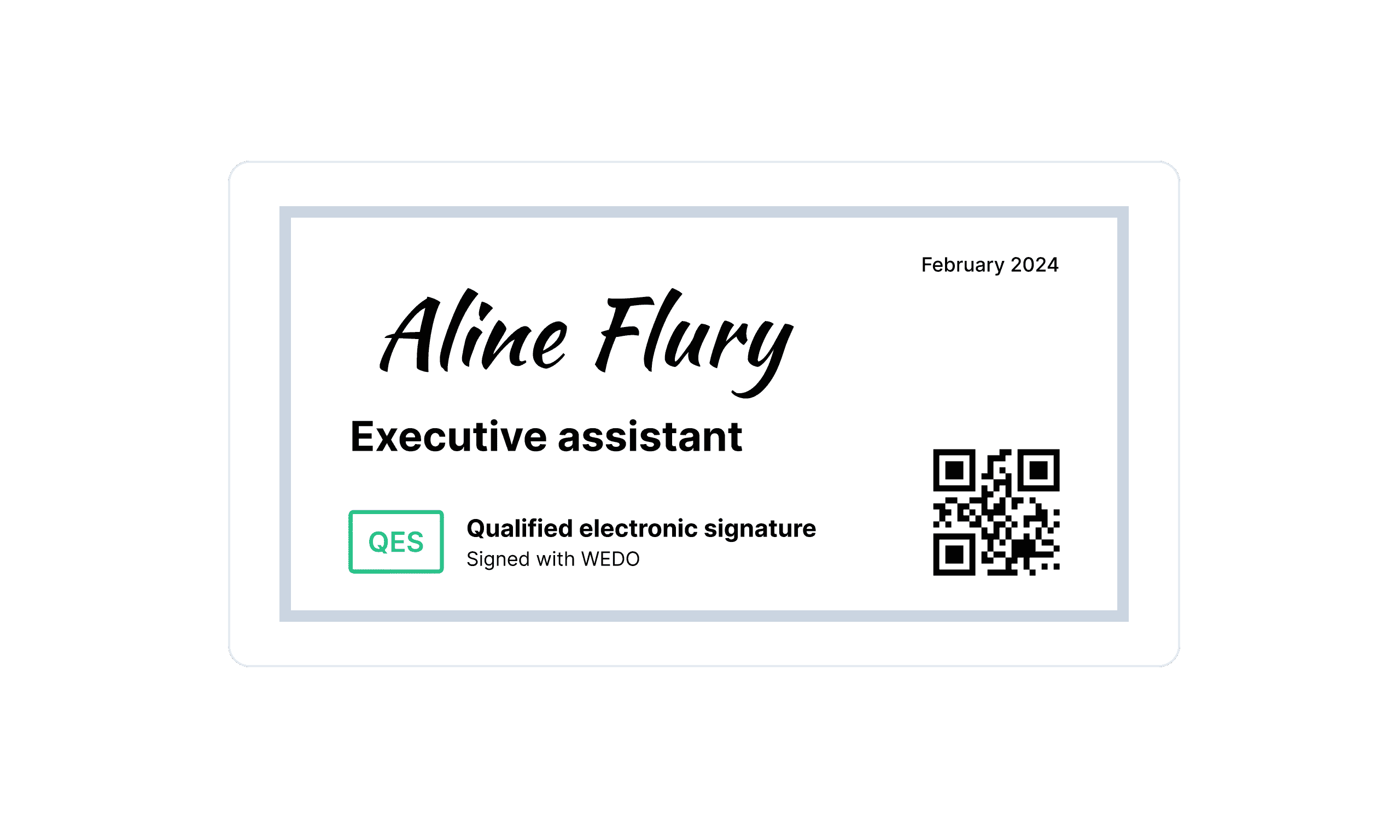
WEDO allows you to digitally sign all your reports with legal validity - SES, AES and QES
Discover all WEDO features
All features & roadmapYour data security is our top priority
You can rest easy knowing that we employ many security technologies and industry best practices to ensure that our product and systems stay secure.
 SOC2 Type II
 ISO27001
 GDPR
GDPR nFADP
nFADP Health Data Hosting
 FINMA
FINMATrusted by 5,000+ Users for Efficient Meeting Management
“With WEDO, the management of bilateral meetings and conferences is significantly simplified. Agendas and minutes are centralized, ensuring effective follow-up and optimal traceability.”

Nathalie Theillard
Director, EMS la Venoge Foundation
“The Estivale Open Air committee works with WEDO throughout the organization of its festival. It allows us to guide our meetings in a structured and productive way, and facilitates communication between all the departments of the organization. As the festival director, I particularly appreciate the ease with which I can follow the realization of everyone's tasks.”

Nicolas Bally
Director, Estivale Open Air
“With WEDO, we have a tool that enables all association boards to plan, run and manage the minutes of meetings and assemblies. All association-related matters can be managed platform-independently in a single location and across several legally independent associations. We could even take minutes of the next general assembly using any smartphone.”

André Oldani
Treasurer, SIYU
“All our minutes are now recorded in WEDO. Being able to retrieve the content from the previous meeting helps us save time and work more efficiently! Since the tool is collaborative, all participants can contribute to the agenda. Moreover, as the solution is cloud-based, we can access it both at work and from home.”

Serge Pittet
Senior Lecturer in Automation Theory, Professional Center CPNV
“WEDO is used by all members of the unit for organizing meetings, bilateral sessions, and task follow-up. We particularly appreciate the ability to prepare meetings as a team, share agendas, and quickly draft minutes.”

Yves Streuli
Head of Infrastructure Unit, University of Applied Sciences of Pedagogy of Vaud, HEP
“WEDO has become the task management platform for the Municipality of Saint-Maurice. Commission meetings (urban planning, infrastructure, finance, and human resources) are held on the platform, and resulting tasks are directly assigned to team members. General Council meetings are also managed in WEDO, with an easy export of the minutes.”

Augustine Rappaz
Project Manager, Municipality of Saint-Maurice
“The main benefits of using WEDO are the centralization of information, increased participation and enhanced staff skills at all levels.”

Christian Mauley
Captain of the protection and safety department of Neuchâtel, SPS Neuchâtel
“The ease with which new meetings can be created collaboratively is remarkable. You can prepare all the details in advance or start a meeting without preparation by reusing previously discussed topics. WEDO strengthens confidence in the way we collaborate.”

David Perritaz
Dean Department of Automation, Professional Center CPNV
“We use WEDO to hold our meetings remotely. The tool allows us to write the agenda before the meeting. During the meeting, we can easily complete the agenda items and directly assign tasks to the right people. At the end of the meeting, everyone knows what they have to do and the minutes are done! No time wasted with WEDO.”

Sandy Schneider
Deputy General Secretary, FONPRO
“For our meetings, WEDO has become second nature. We prepare our agenda items in advance, record decisions and tasks during discussions, and then easily track what needs to be done. Whether among ourselves or with clients and stakeholders, the tool helps us stay aligned.”

Mélissande Pochon
HES Architect & Project Manager, Dessein Architecture
Featured Articles


Struggling to Stay Organized?
WEDO is here to help. Start your free trial now and simplify your work processes! You'll get full access to all features and add-ons for 14 days – invite your team to test it with you!

- No credit card required
- No commitment
- Full access to all features
- Support chat access
- Free live demo